
By the ScanRSVP team · Last updated
About these examples
Each card below is a real ScanRSVP theme. They're examples of how the same RSVP information — guest name, attendance, guest count, meal preference — can be presented in dramatically different visual styles depending on your event.
When you create an event in ScanRSVP, you pick a theme like one of these and we generate a digital RSVP page in the matching style, plus a QR code you can print on a paper invitation. The wording on every theme is editable.
Browse the gallery
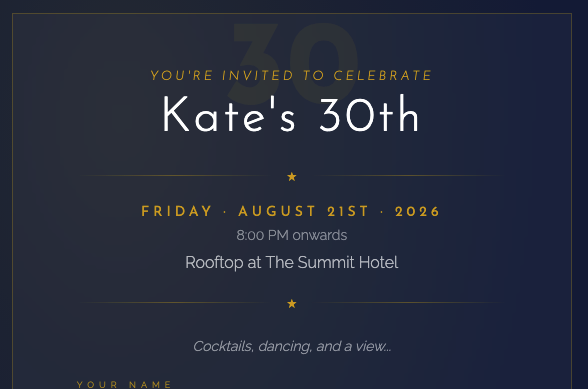
Birthday (Adult)
Birthday
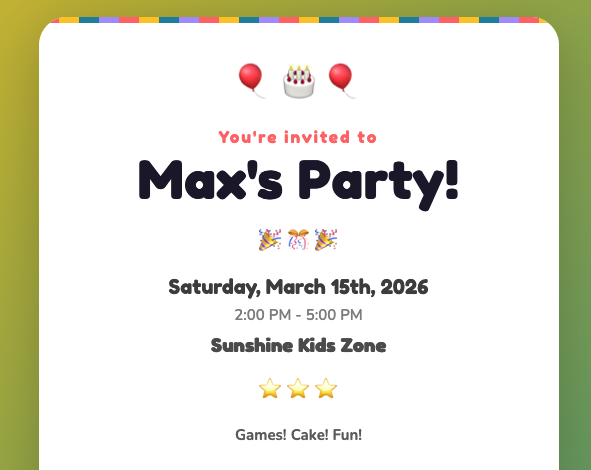
Birthday (Kids)
Birthday
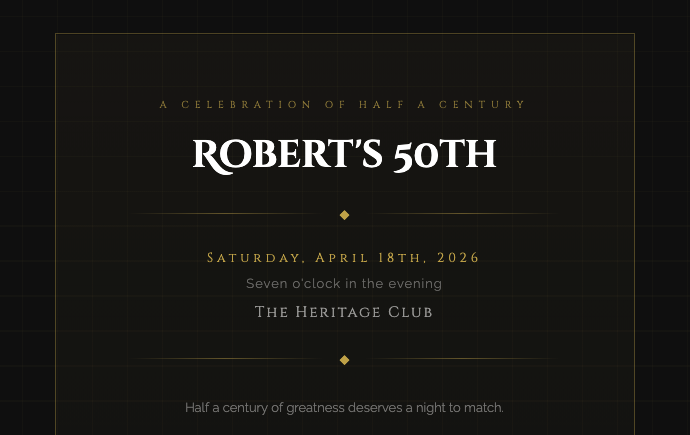
Milestone Birthday
Birthday

Cocktail Party
Formal
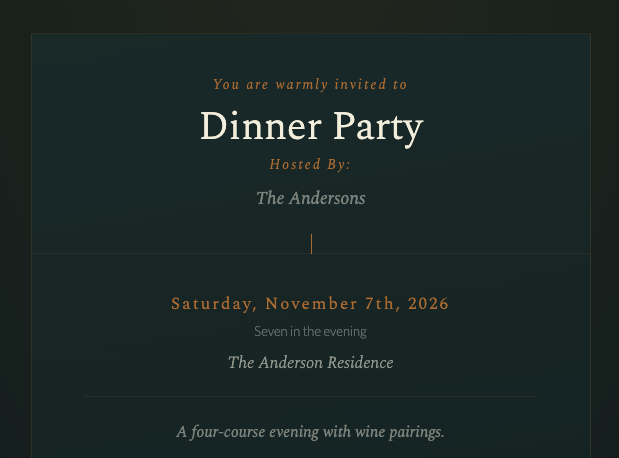
Dinner Party
Formal
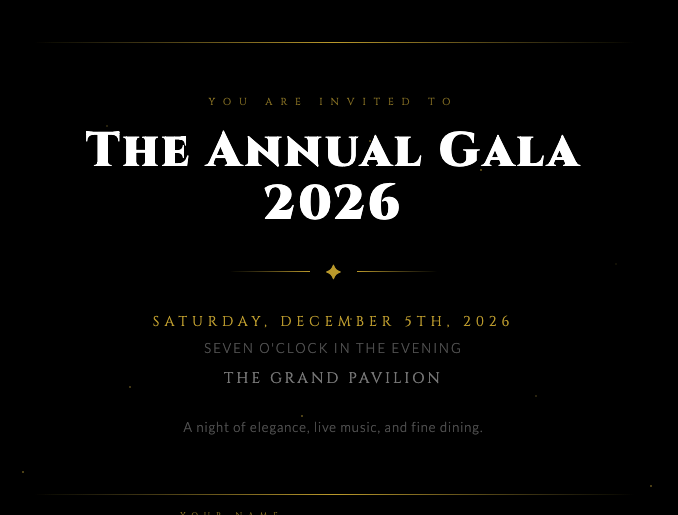
Gala
Formal
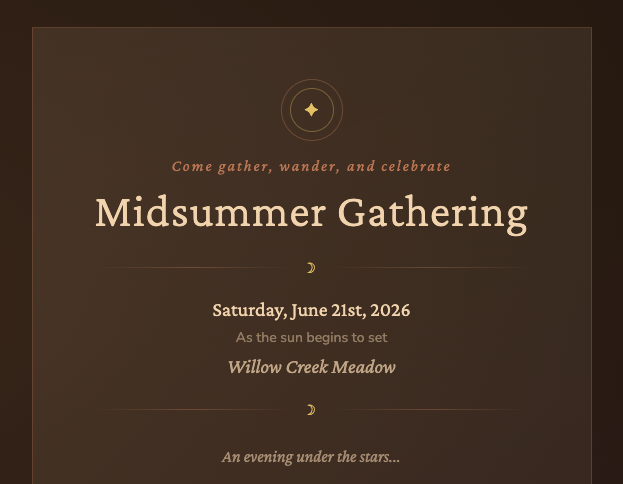
Bohemian
General
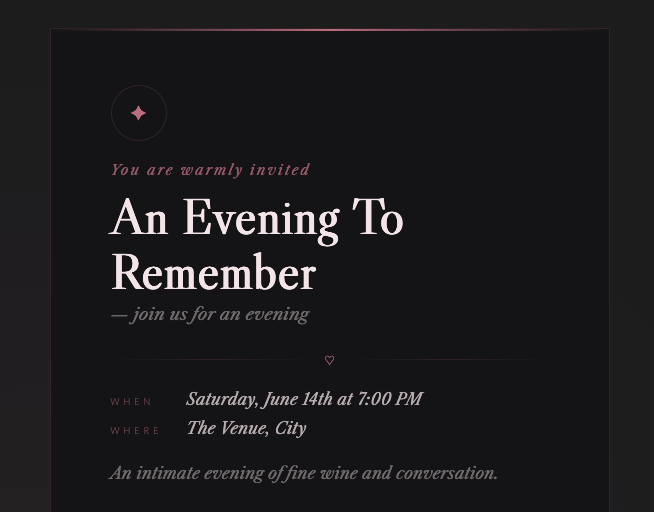
Charcoal Rose
General
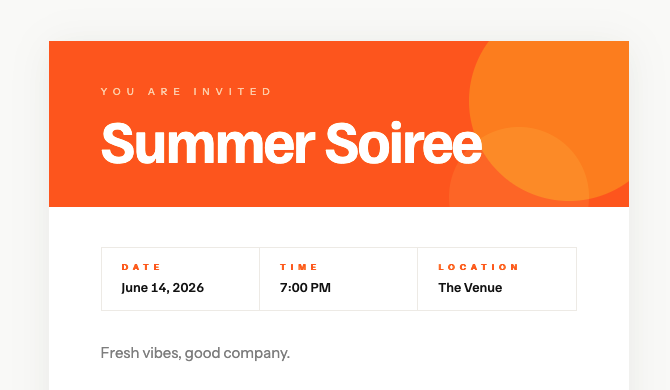
Citrus
General

Editorial
General
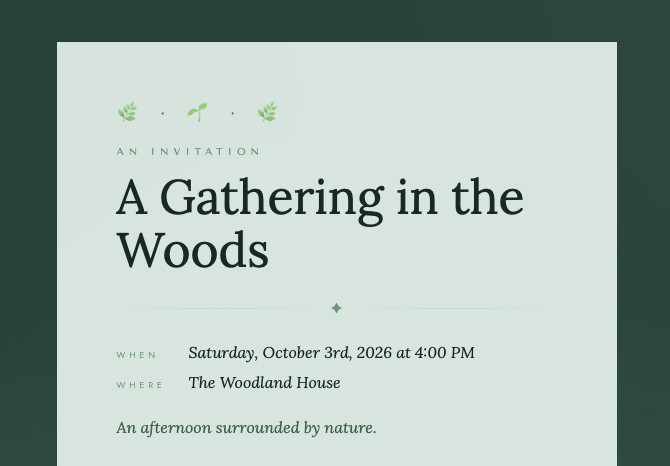
Forest Mist
General
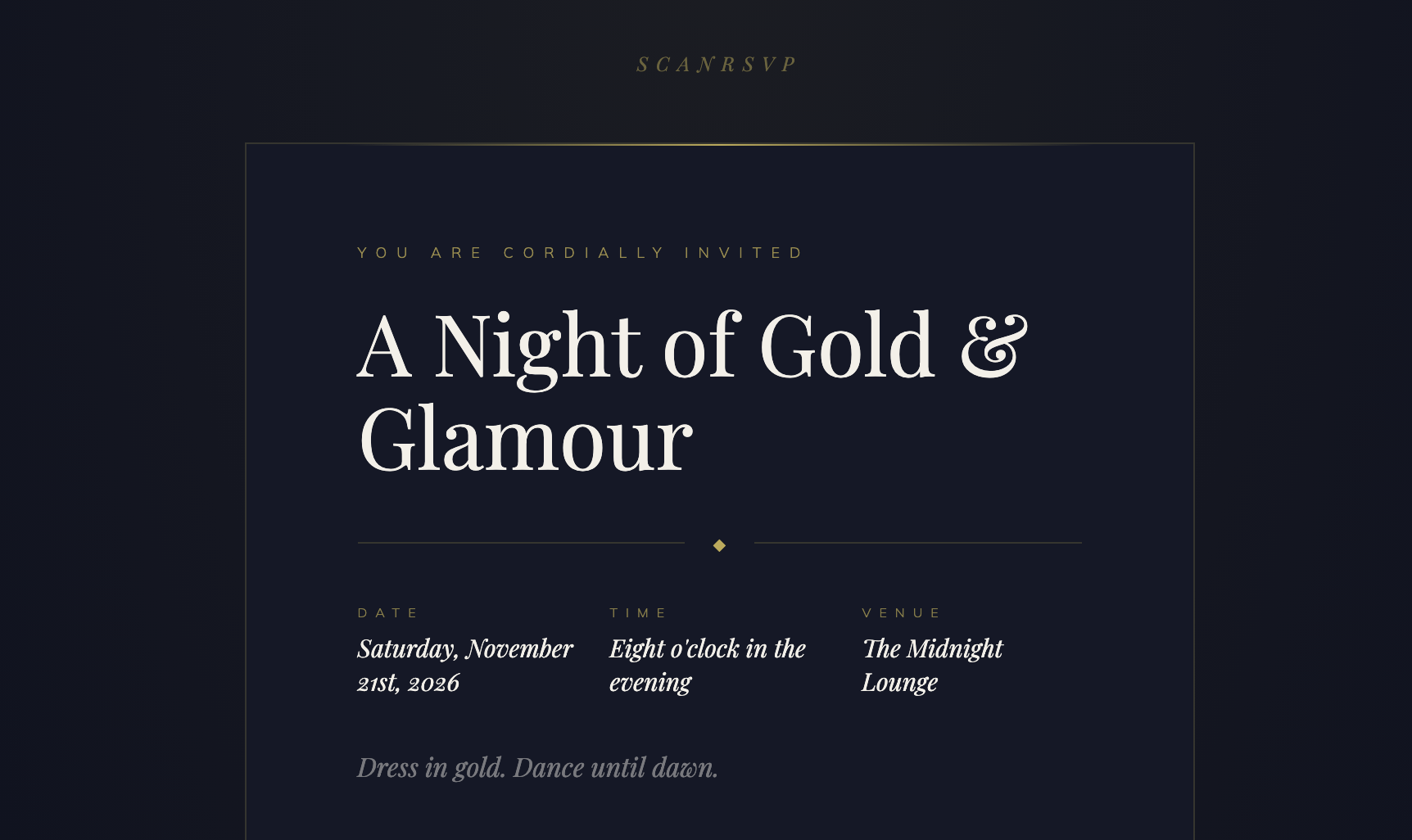
Midnight Gold
General
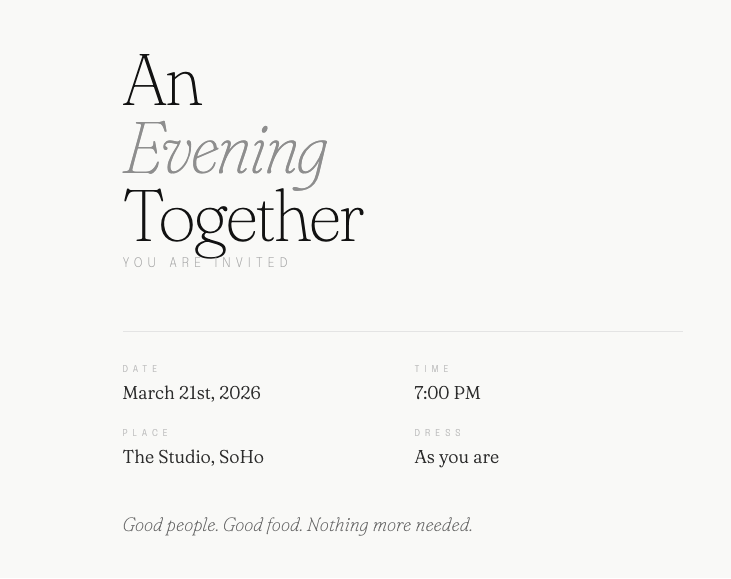
Minimalist
General
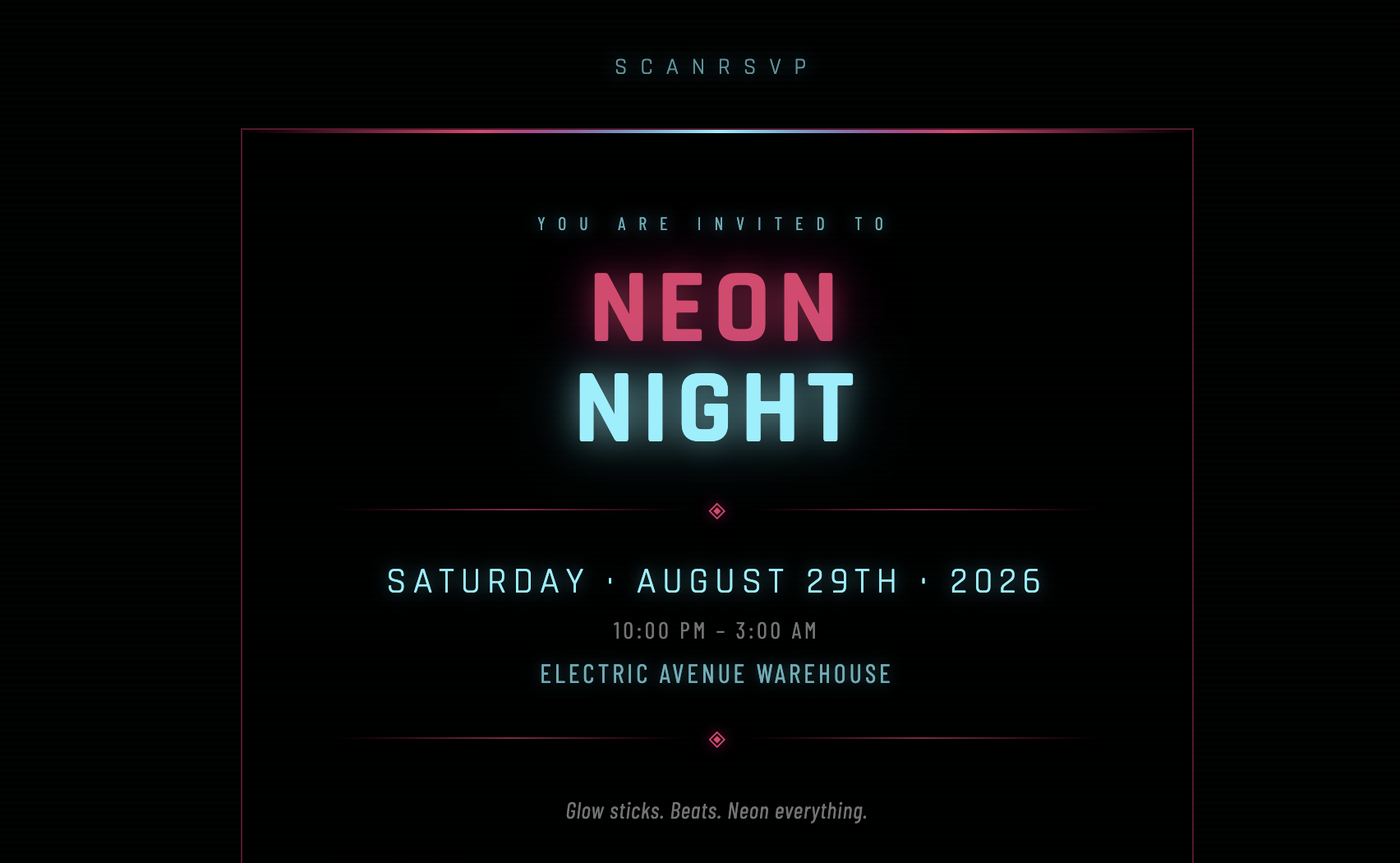
Neon Night
General
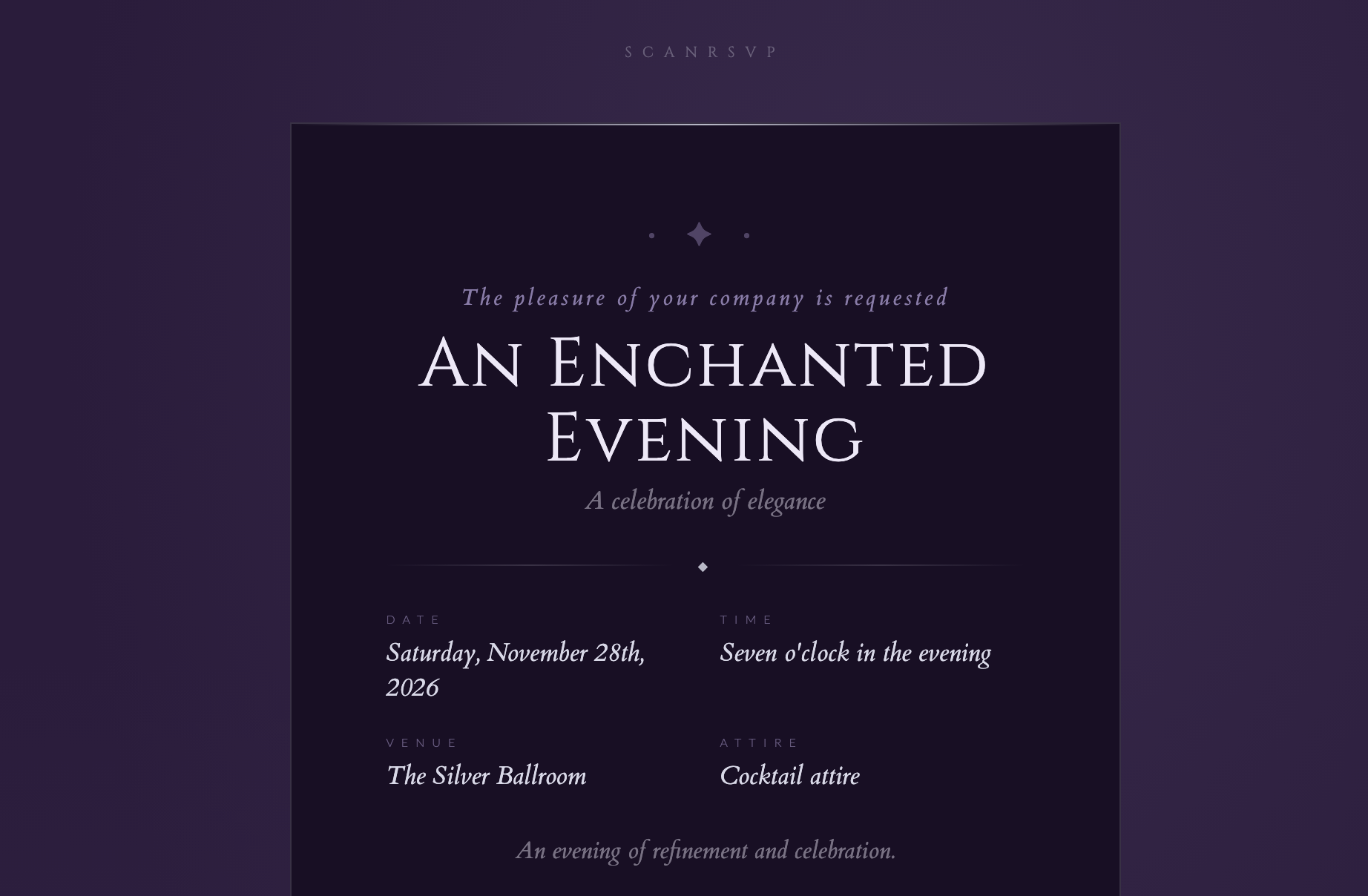
Plum & Silver
General
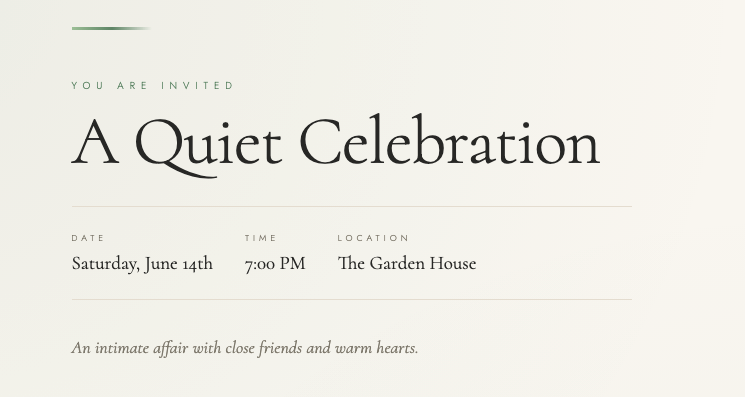
Sage & Linen
General
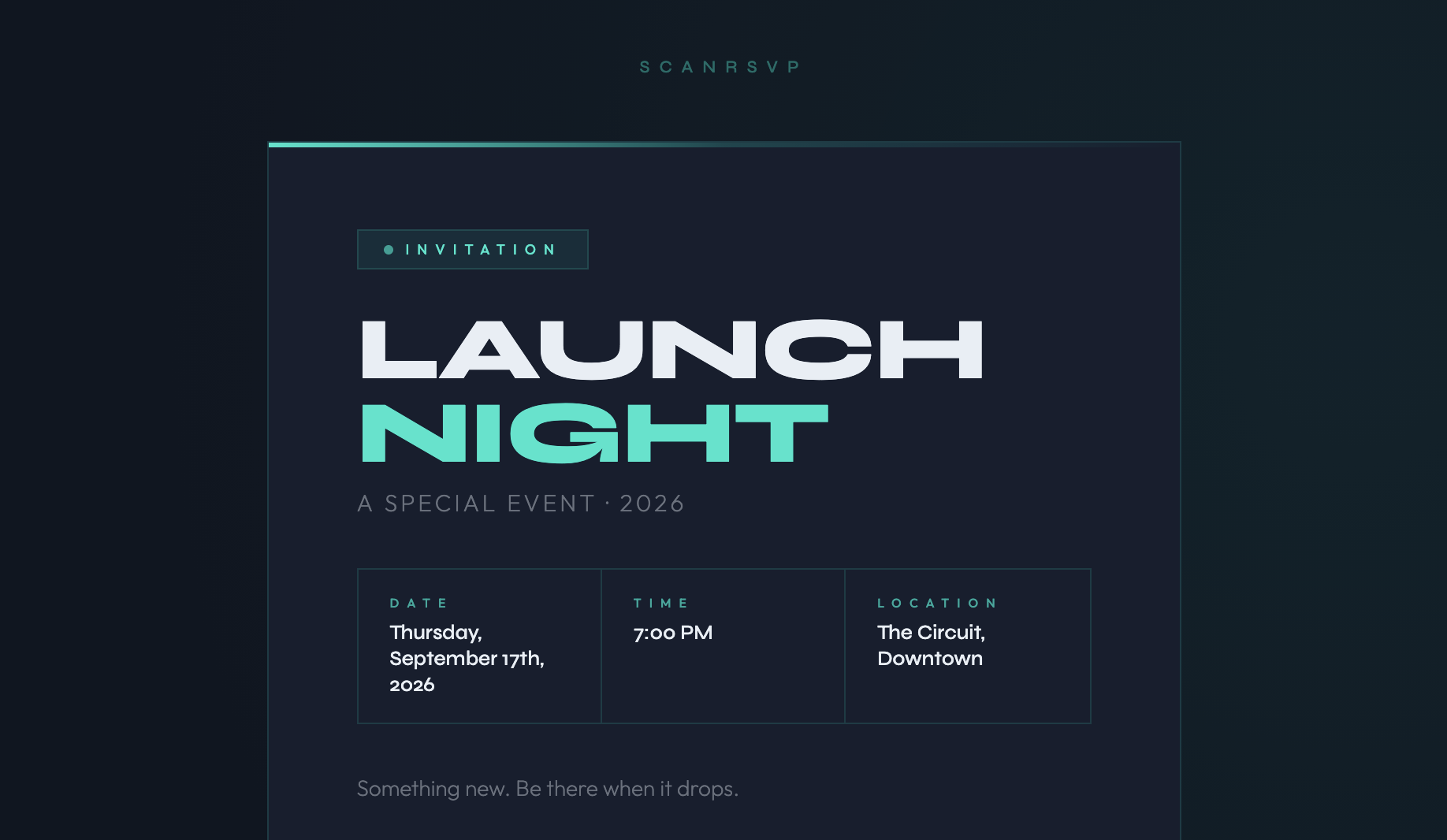
Slate Electric
General
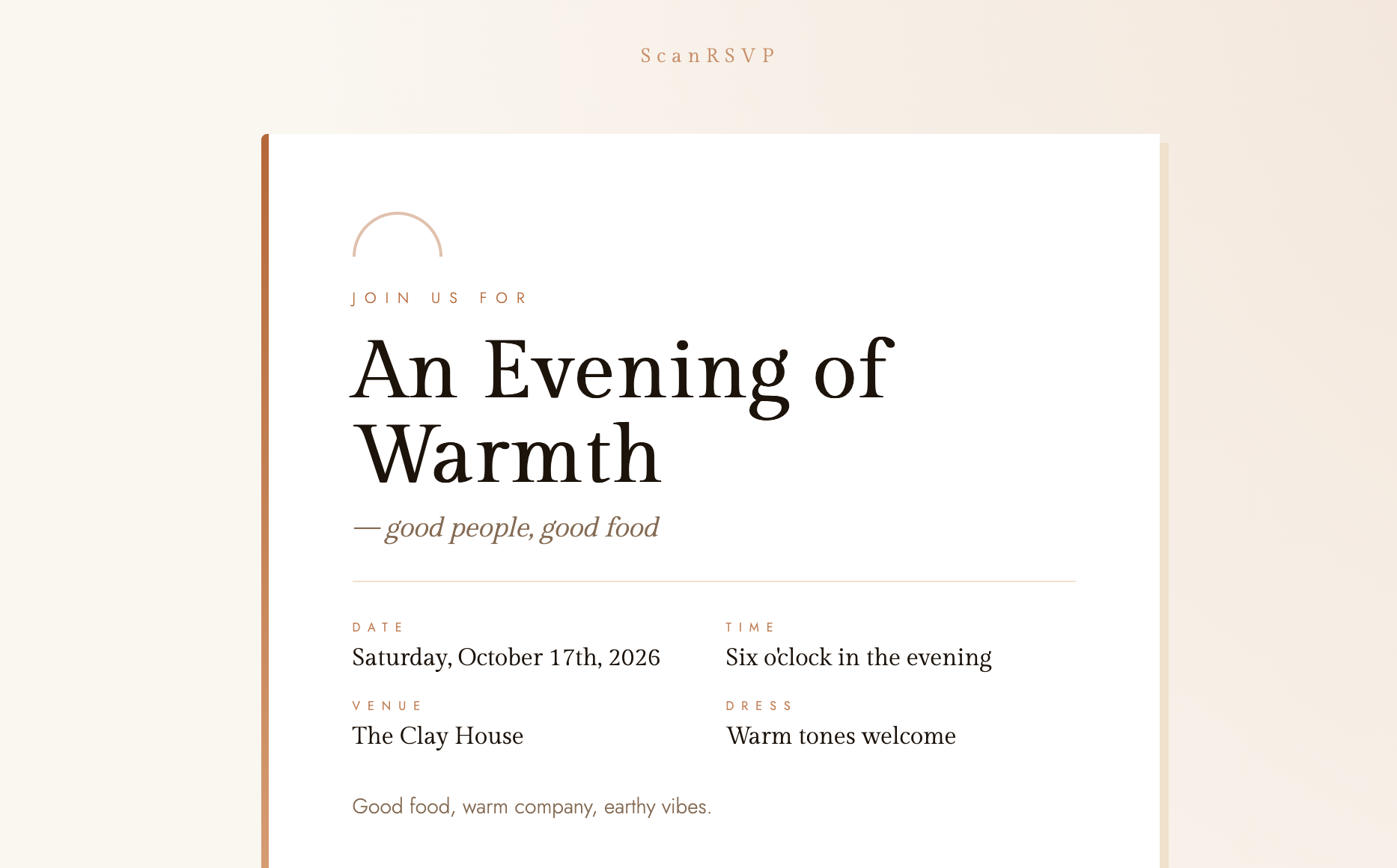
Terracotta
General
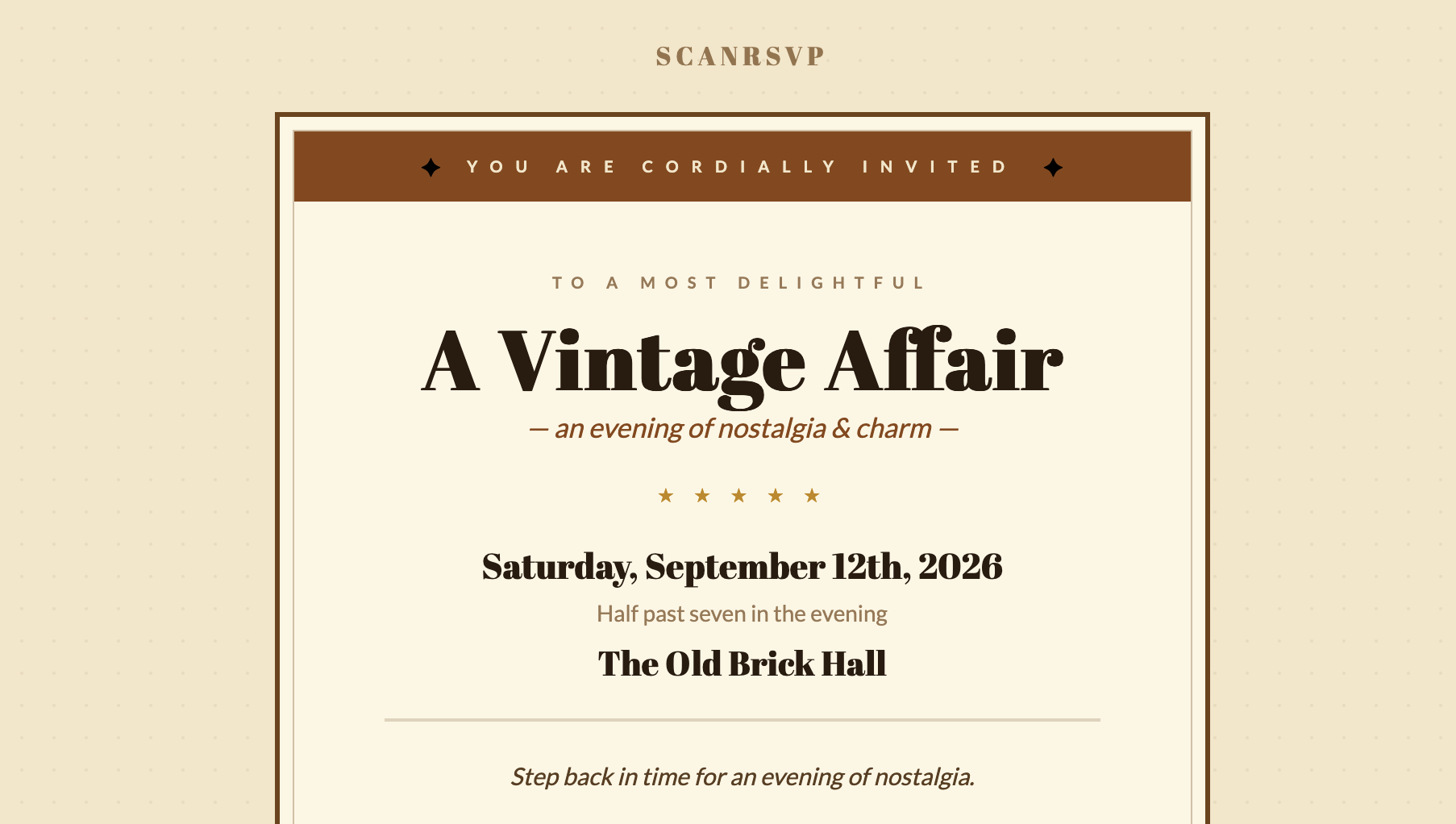
Vintage
General
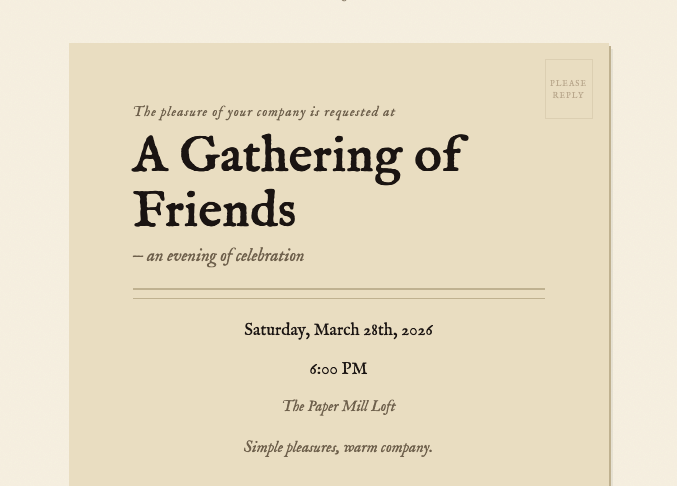
Warm Paper
General
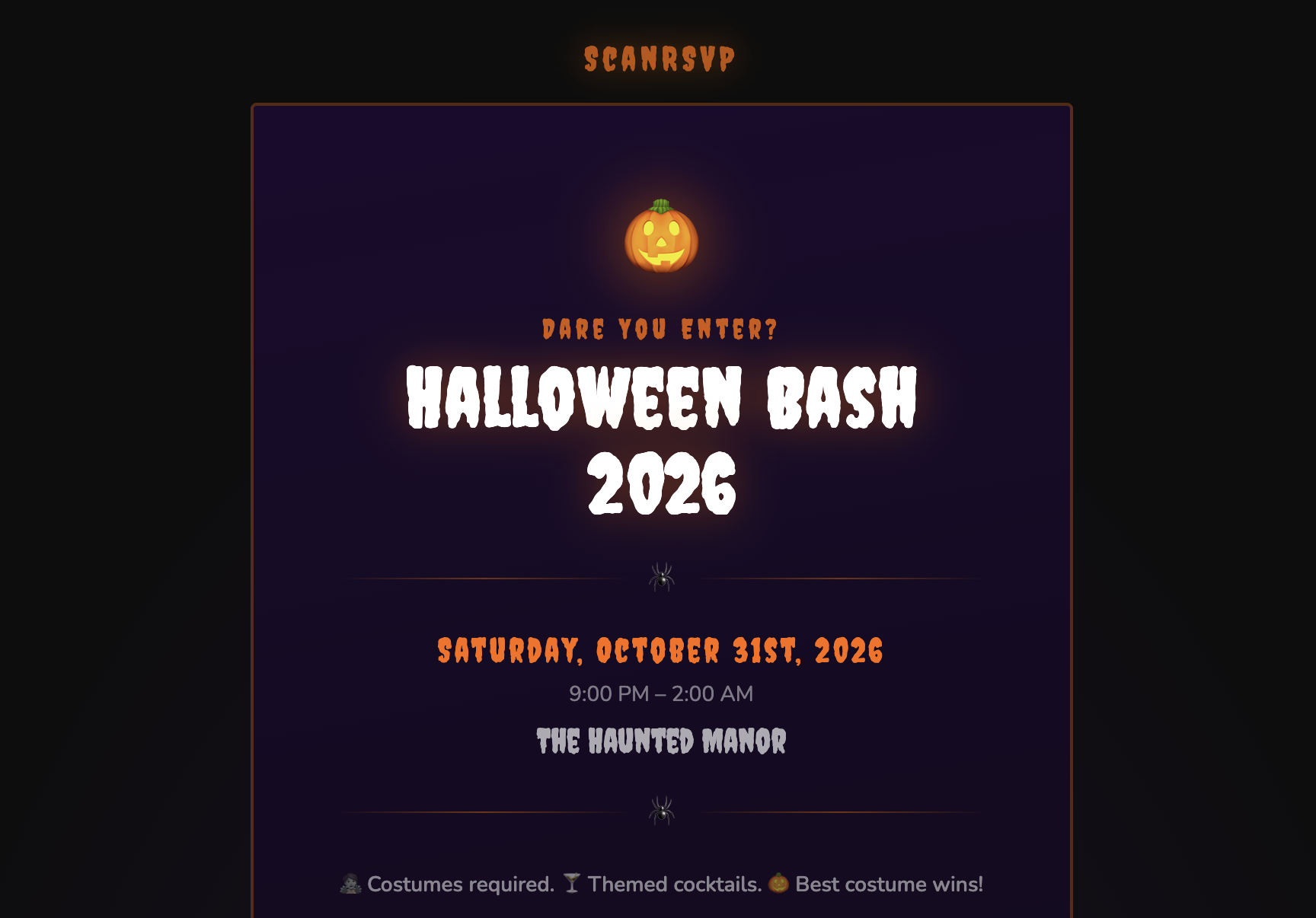
Halloween
Holiday
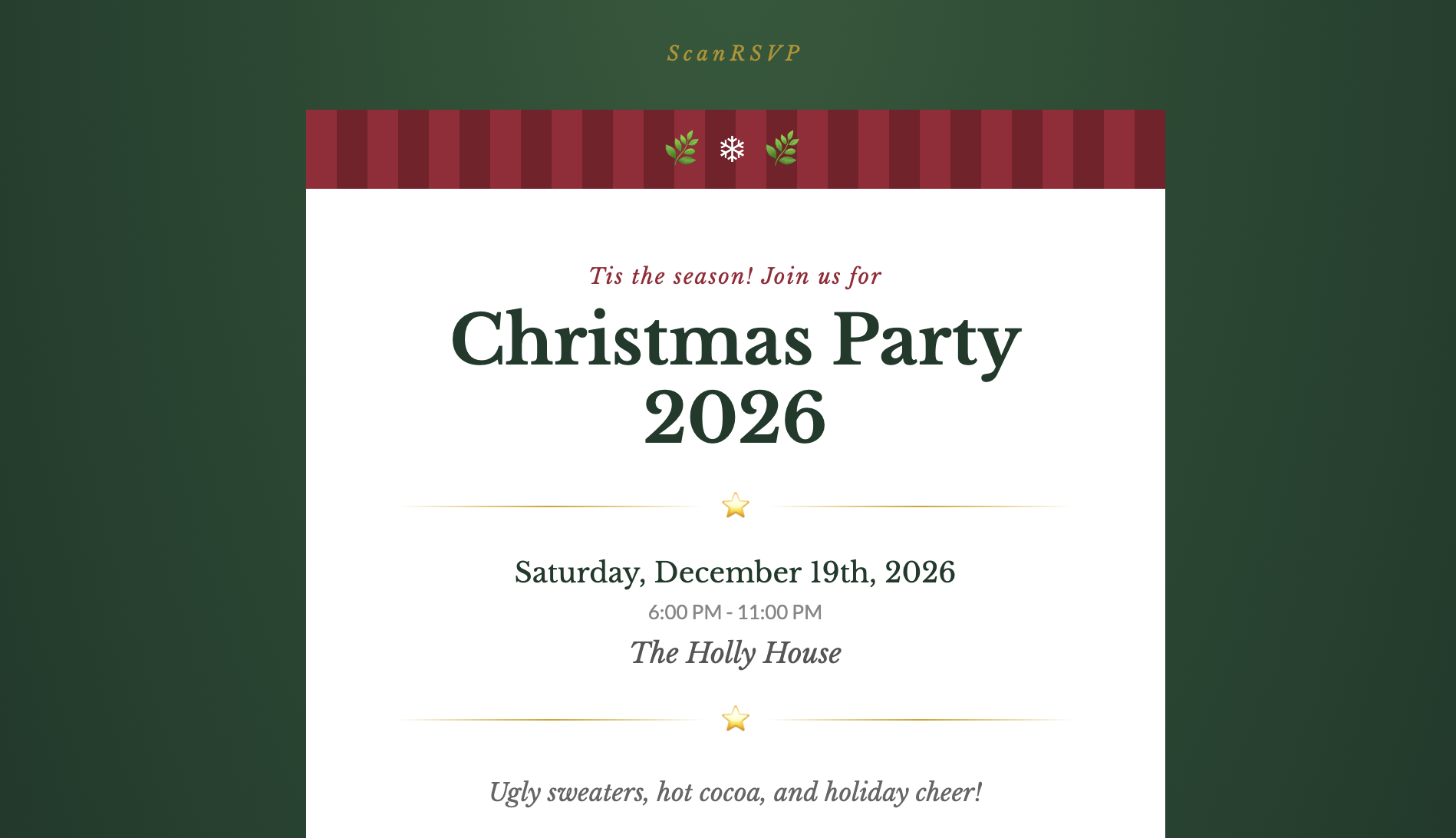
Holiday Christmas
Holiday
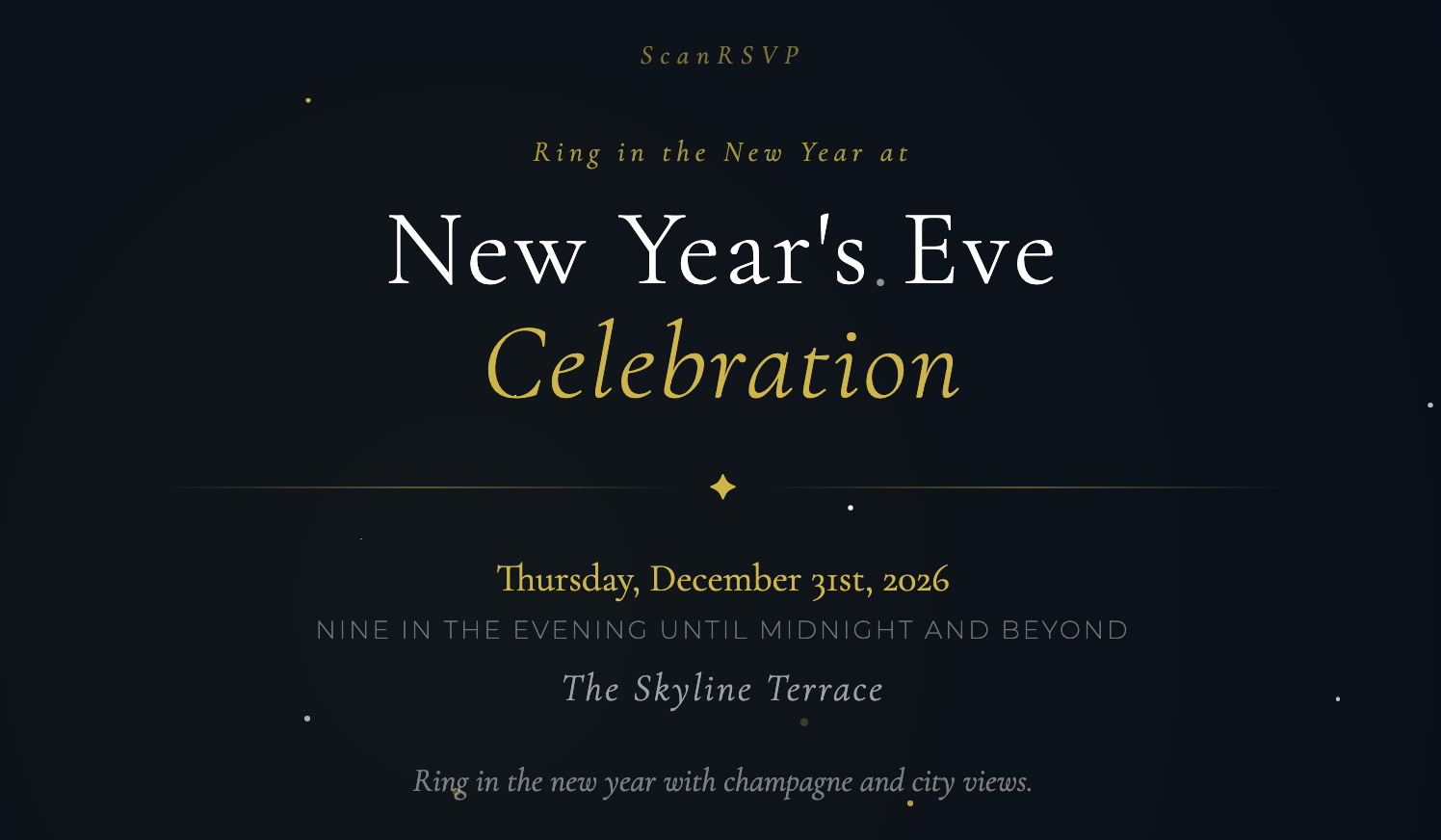
New Year's Eve
Holiday
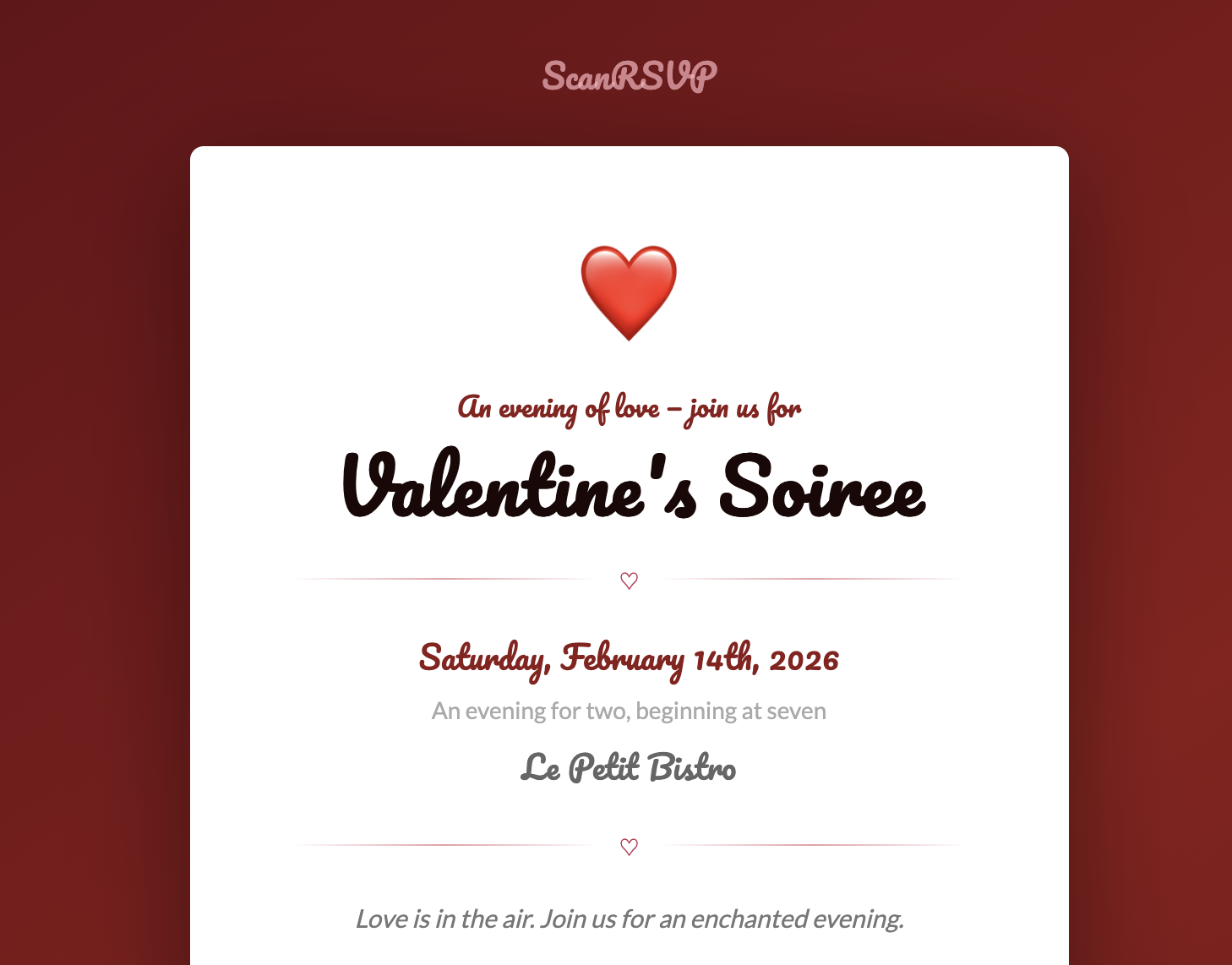
Valentine's Day
Holiday
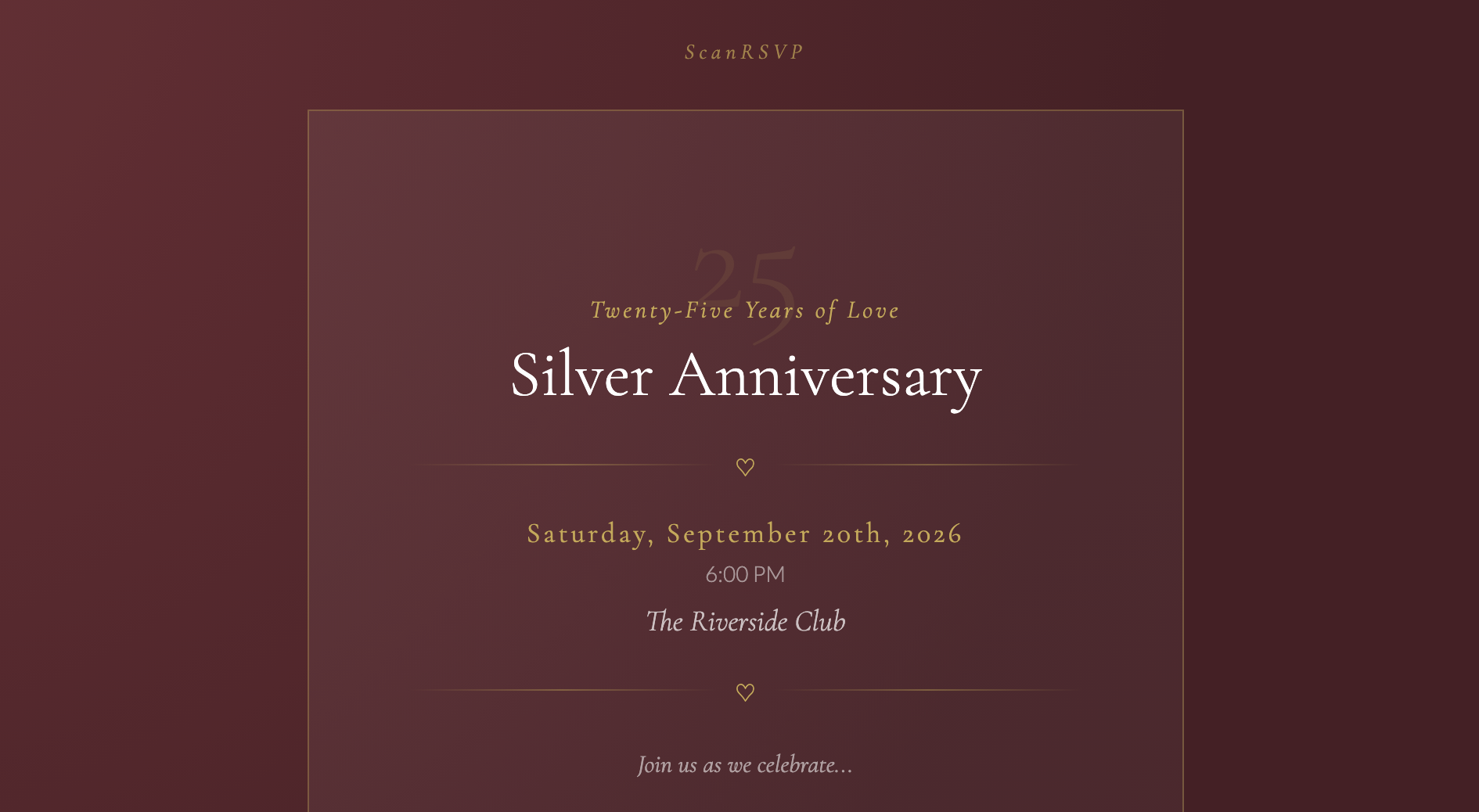
Anniversary
Life Events
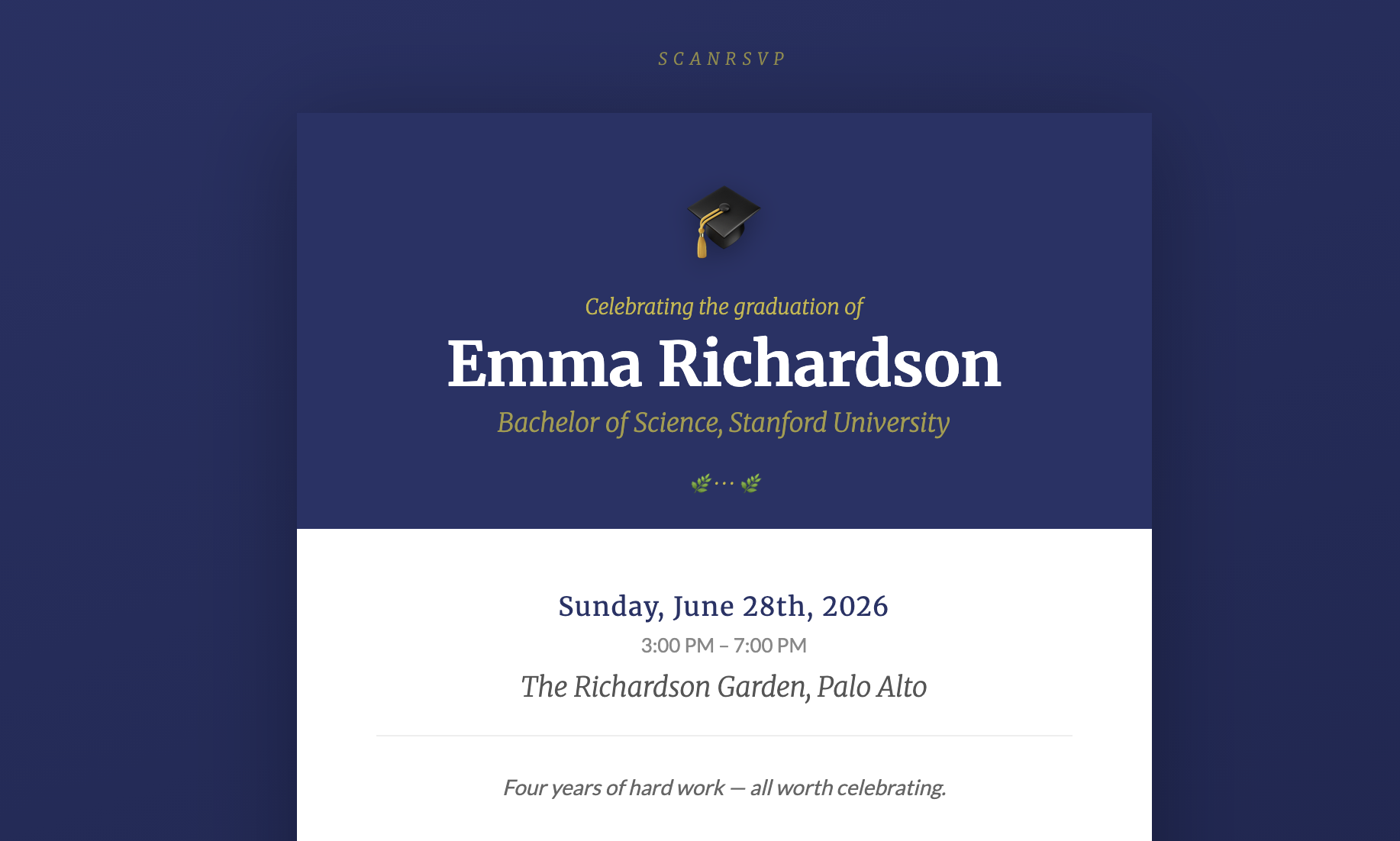
Graduation Party
Life Events
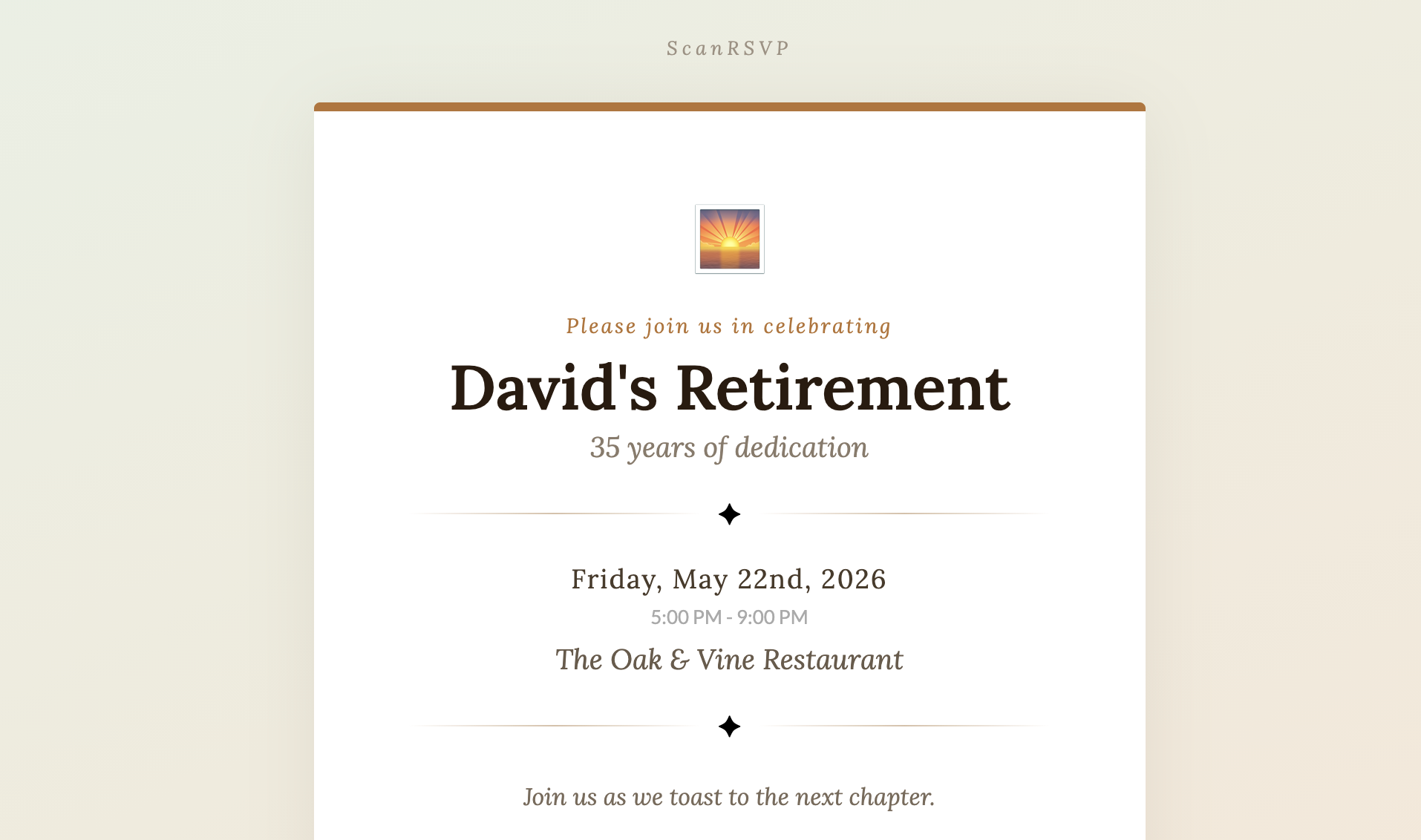
Retirement
Life Events
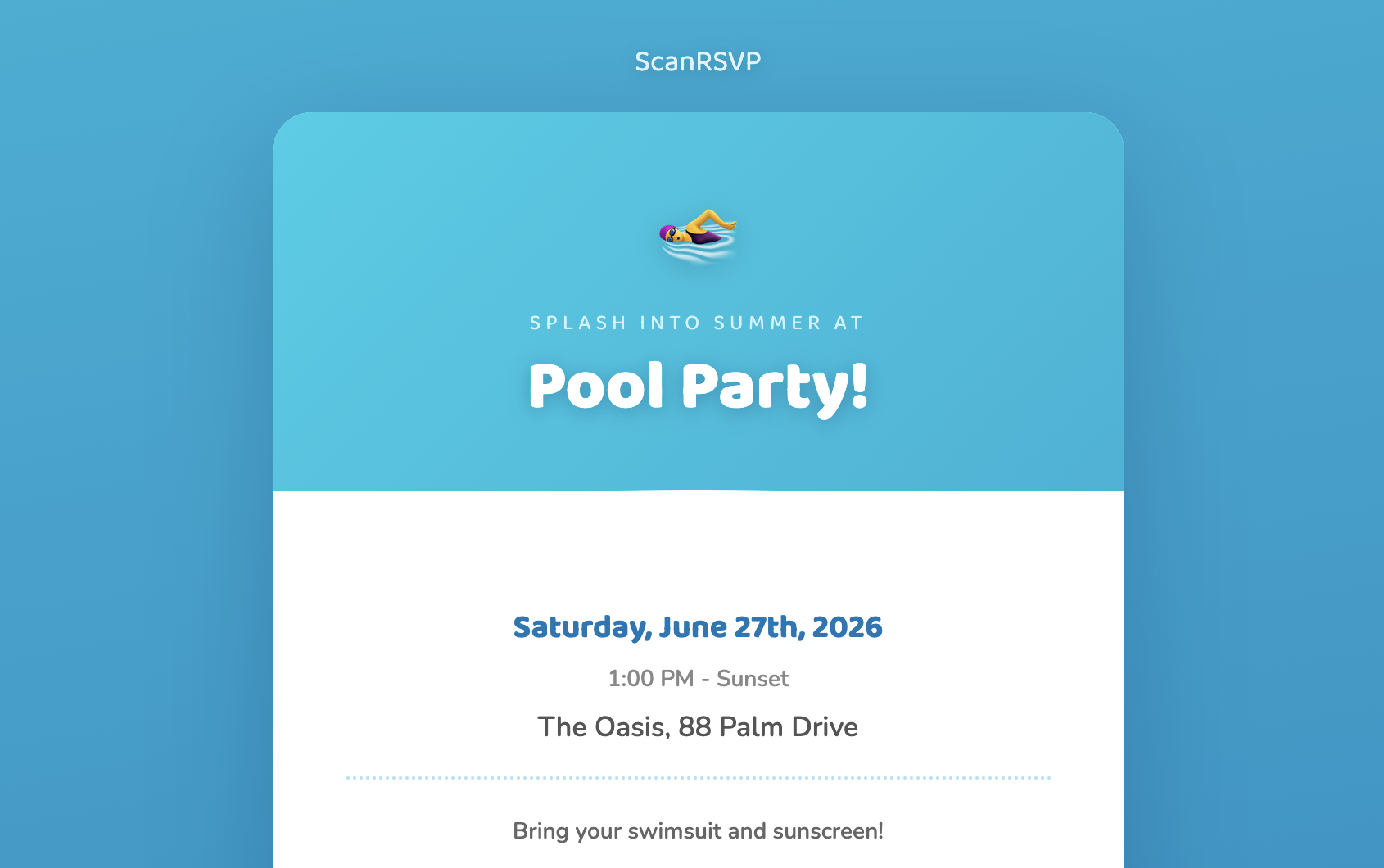
Pool Party
Seasonal
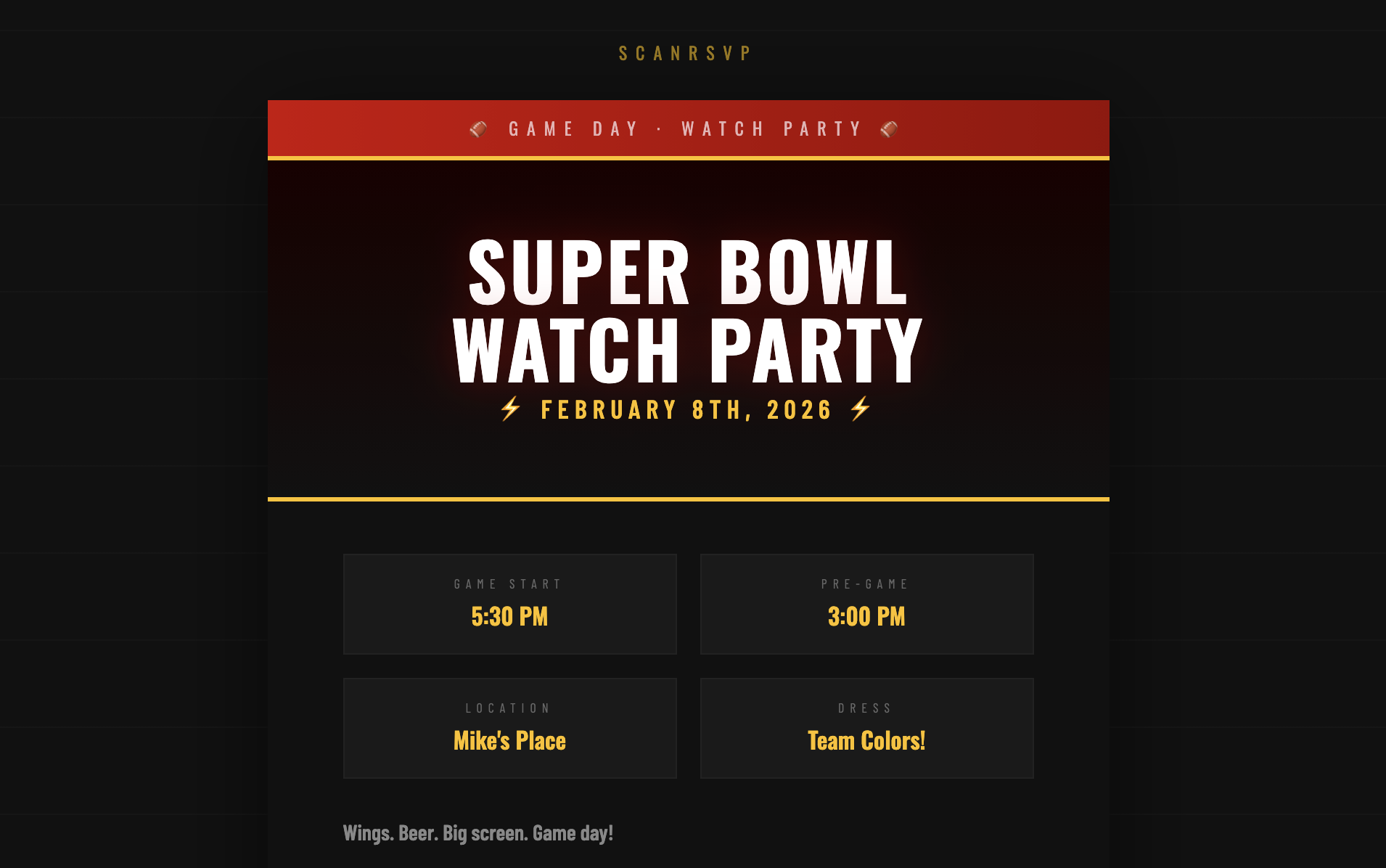
Sports Watch Party
Seasonal
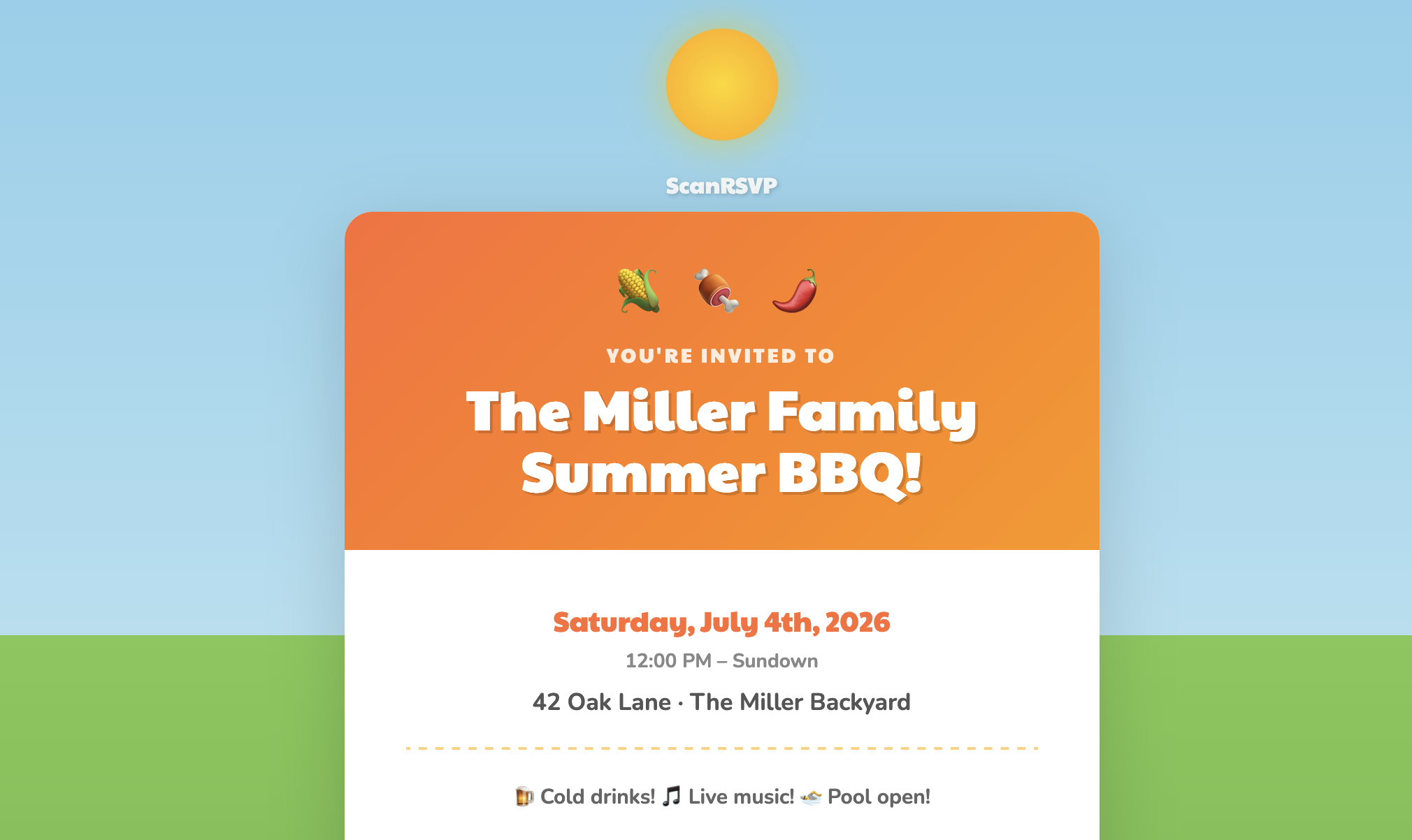
Summer BBQ
Seasonal
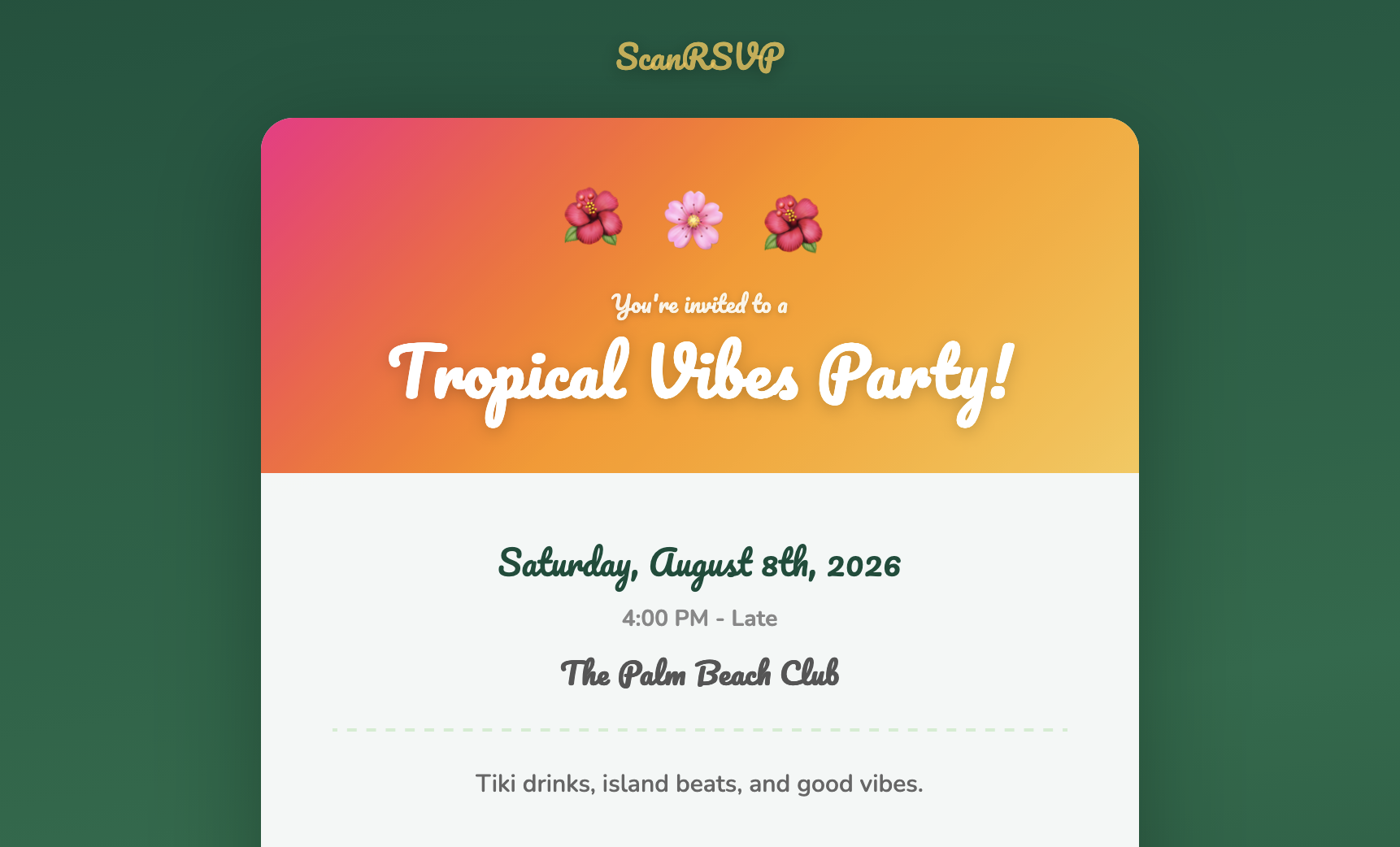
Tropical
Seasonal
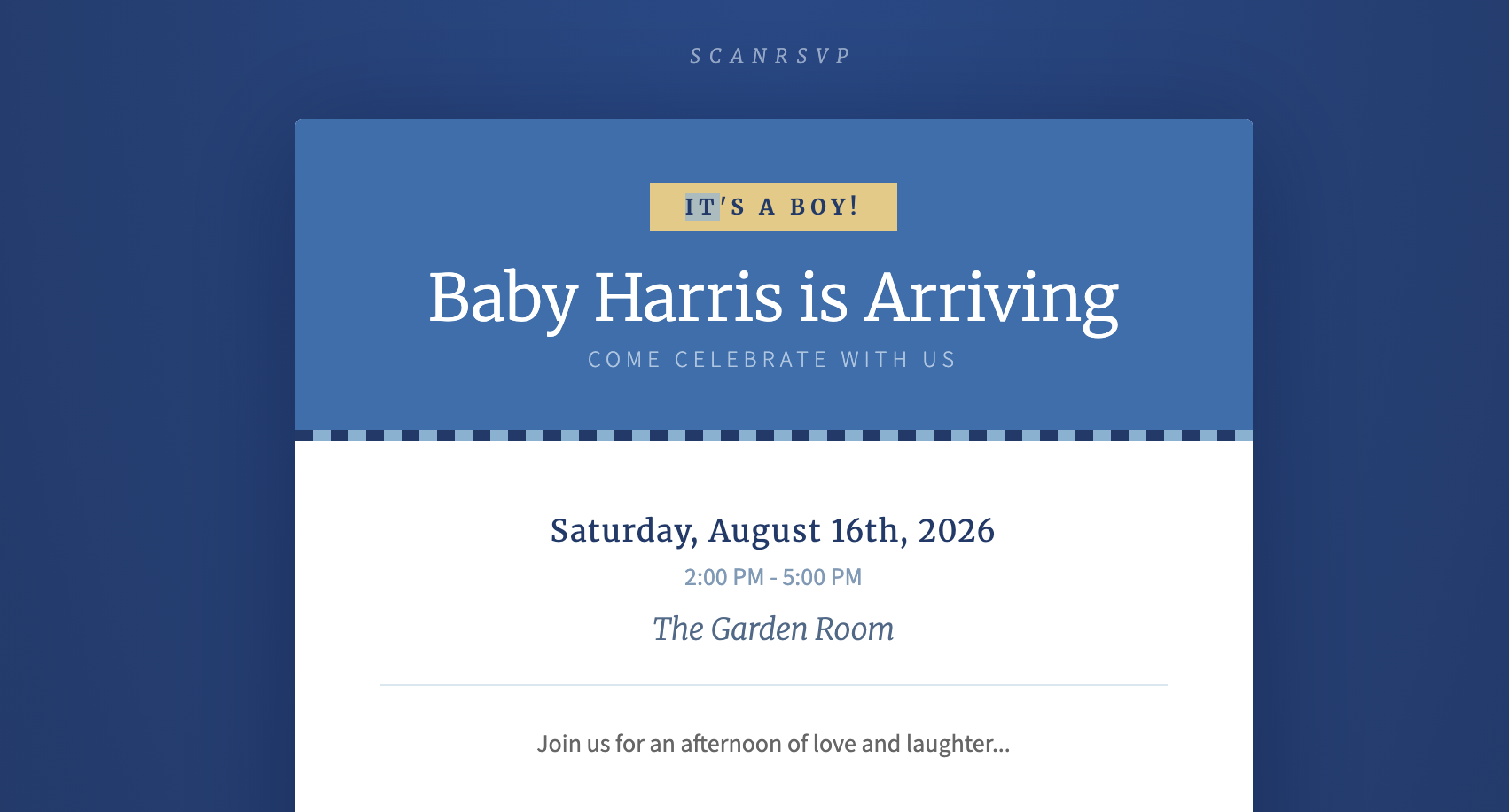
Baby Shower (Boy)
Shower
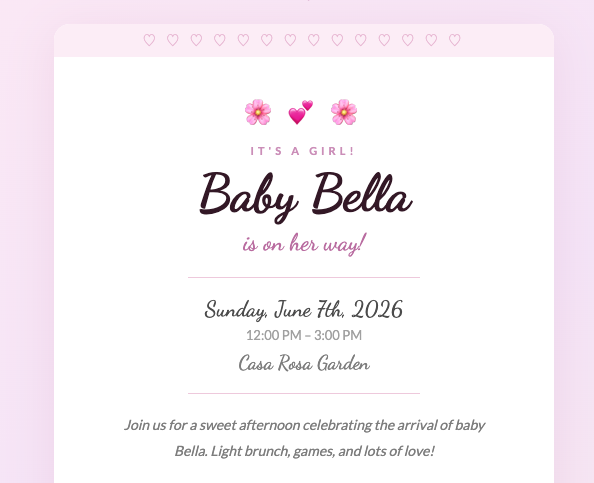
Baby Shower (Girl)
Shower
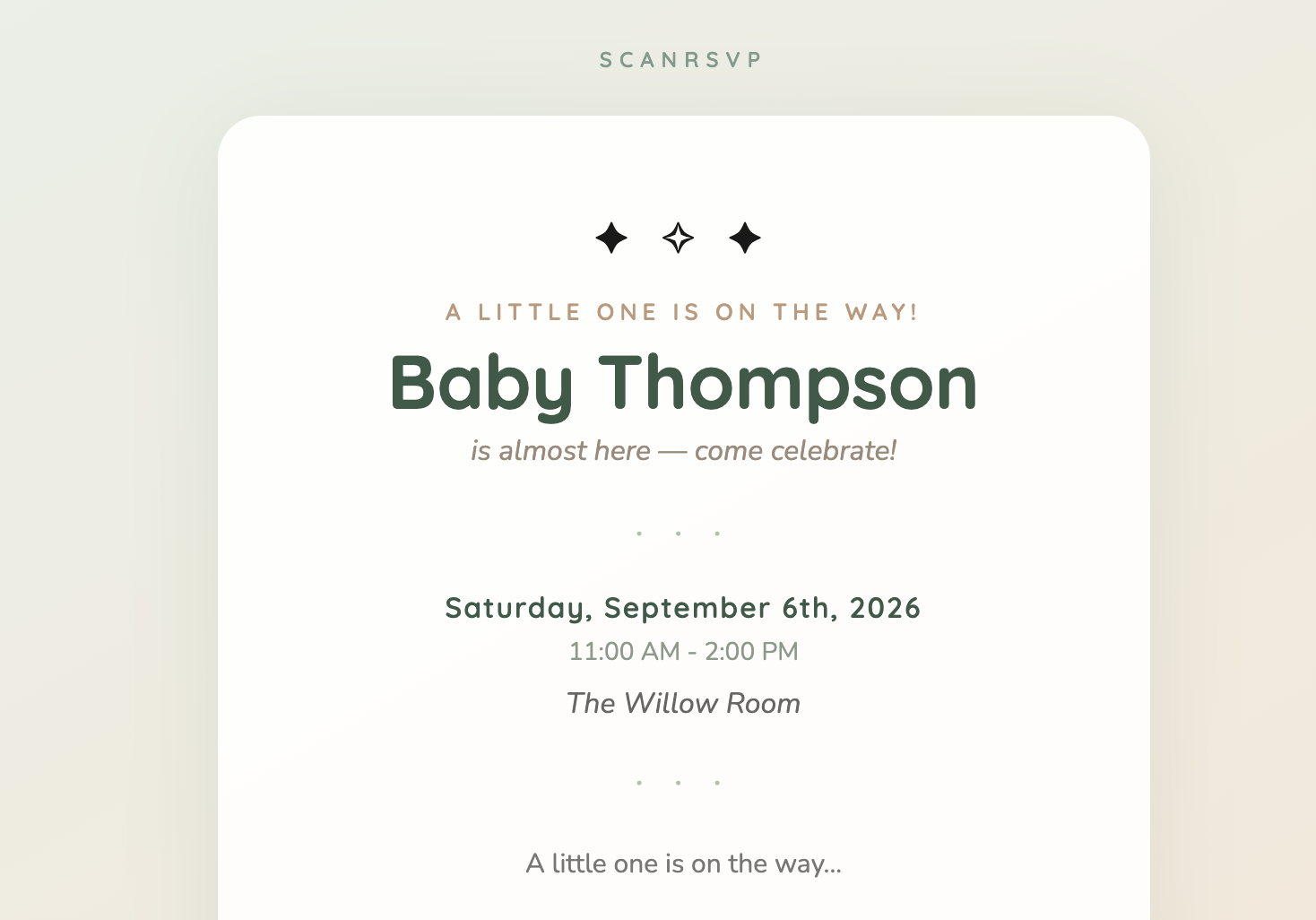
Baby Shower (Neutral)
Shower
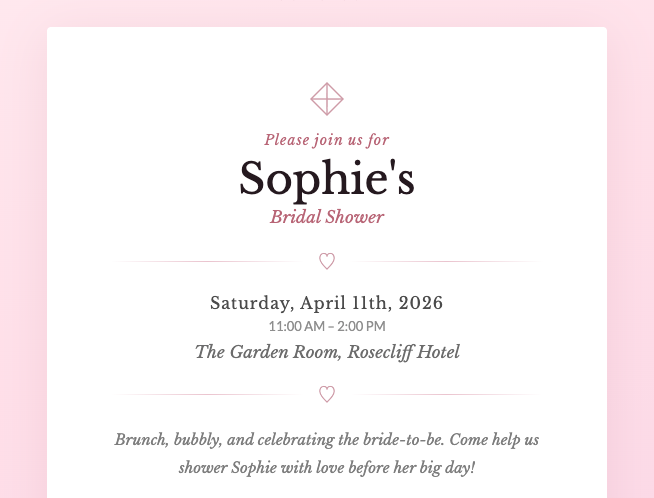
Bridal Shower
Shower
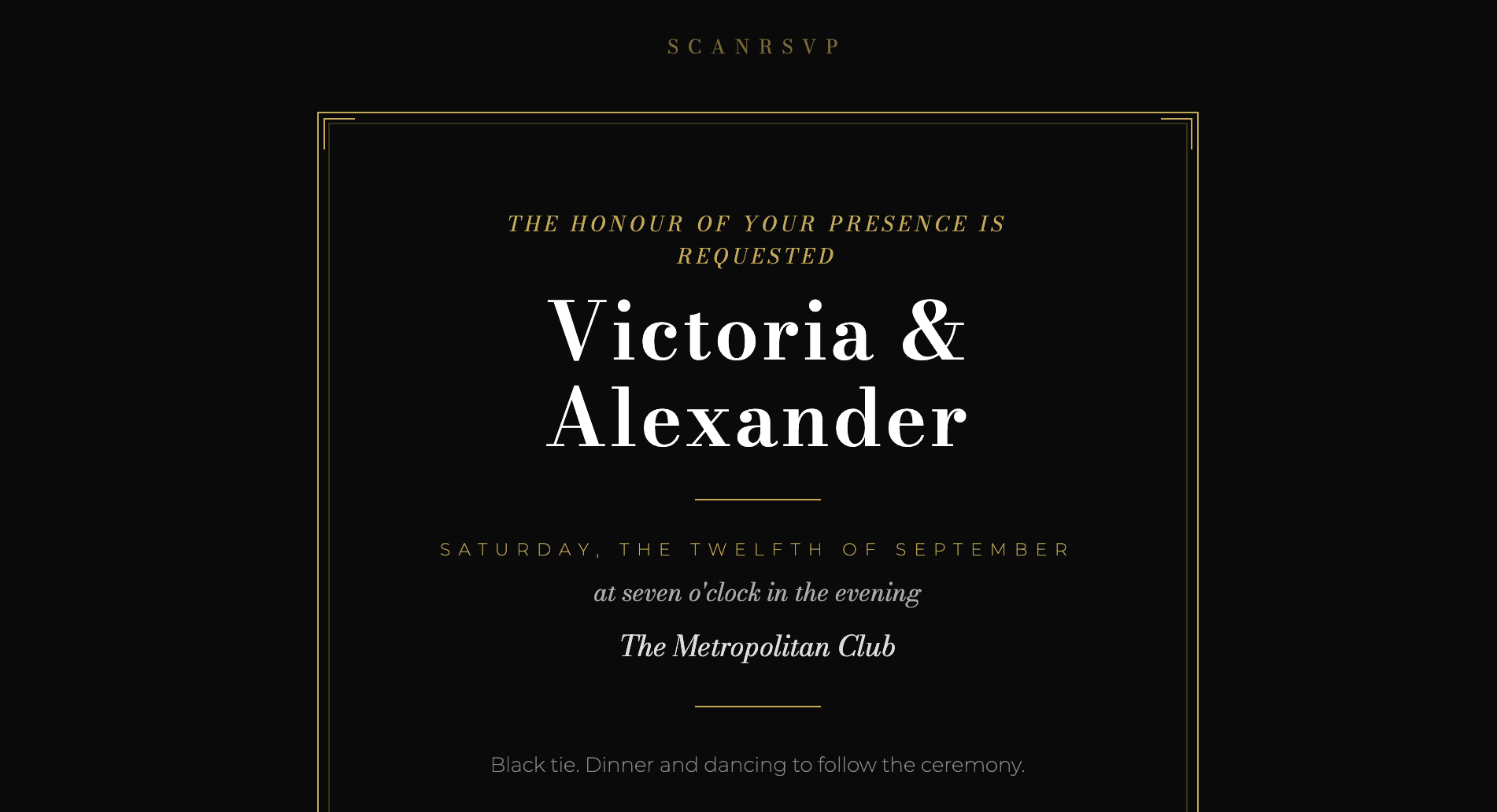
Black Tie Wedding
Wedding
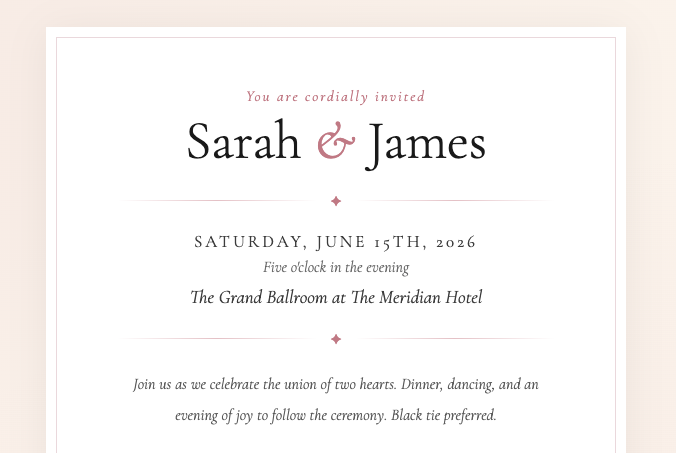
Classic Wedding
Wedding
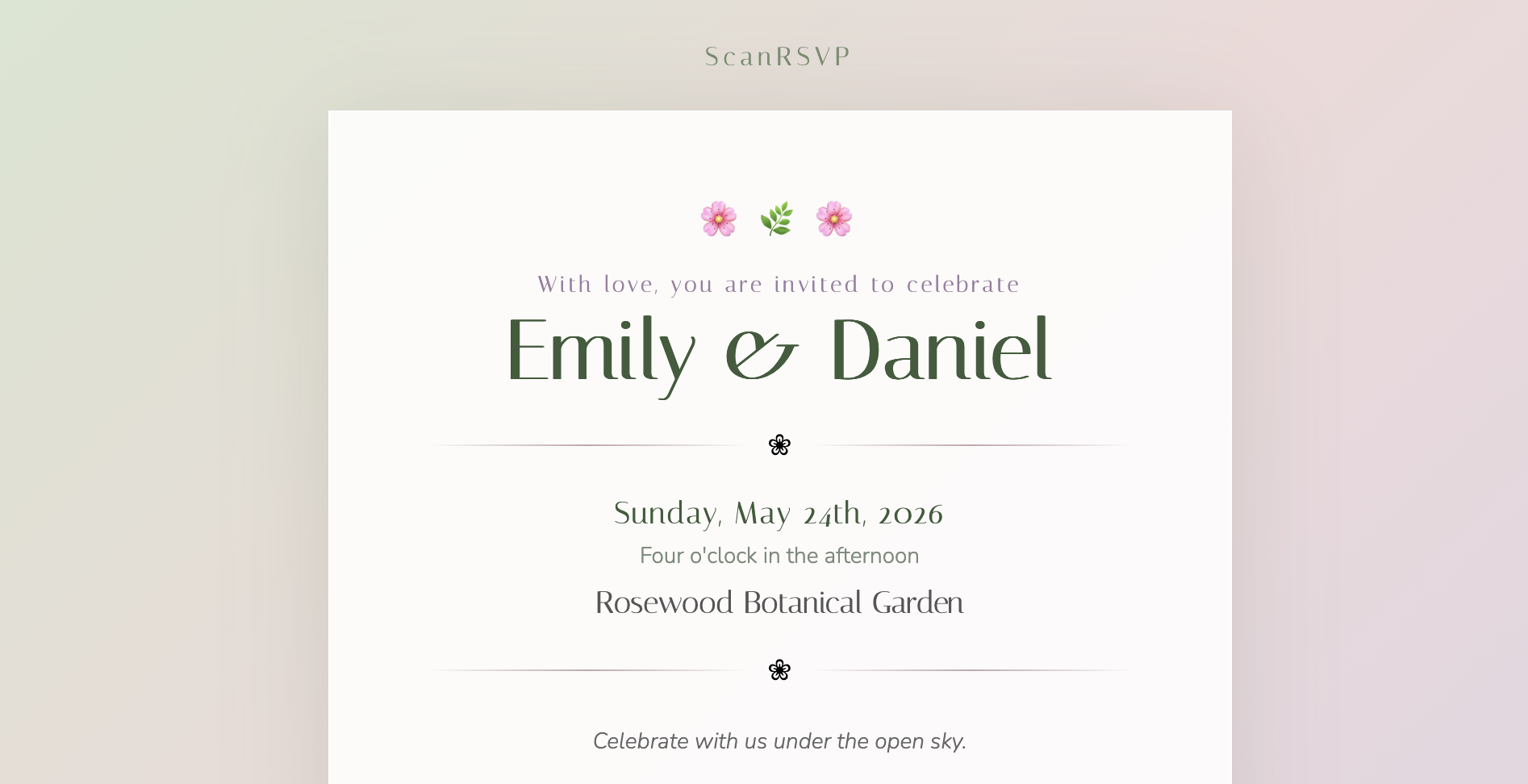
Garden Wedding
Wedding
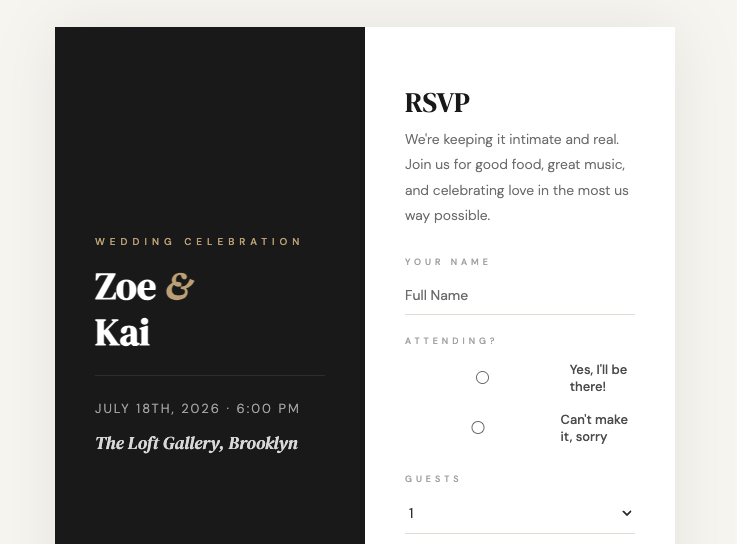
Modern Wedding
Wedding
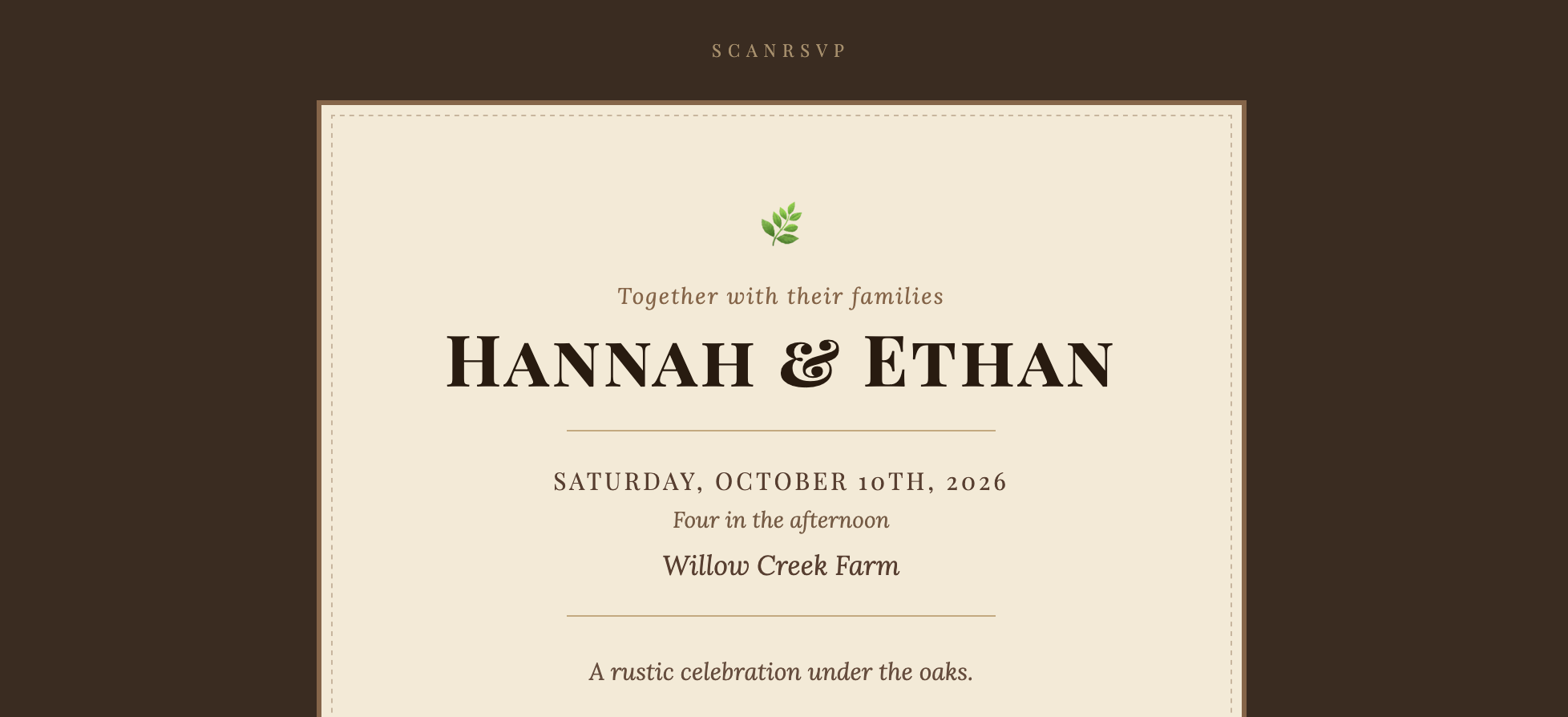
Rustic Wedding
Wedding
Designing your own RSVP card
- Pick a tone first. Formal, modern, casual, or whimsical. The wording you use on the card should match.
- Match the larger invitation suite. If your invitation is classic typography on cream cardstock, the RSVP card should feel like part of the same set.
- Include only the essentials. Name, attending y/n, guest count, meal preference, deadline, and how to reply.
- Make replying easy. A QR code on a printed RSVP card lets guests reply from their phone in seconds — no stamps, no addressing, no tracking down.